


WebTextEditor provides a property to load custom css file in WebTextEditor.
In this topic, you will learn how to load custom css file.
To load custom css file in WebTextEditor
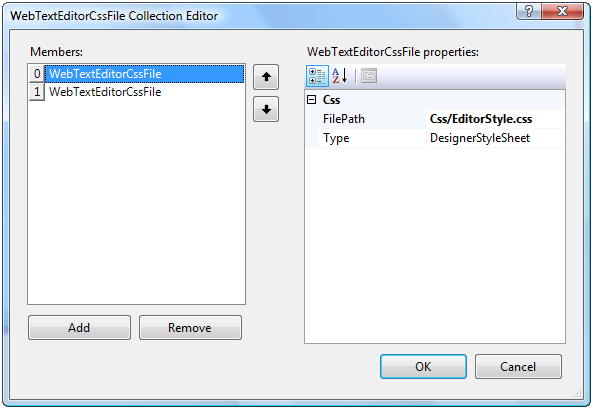
- Load CssFiles property in RootTextEditor for single section or TextEditorSections for multiple selection.
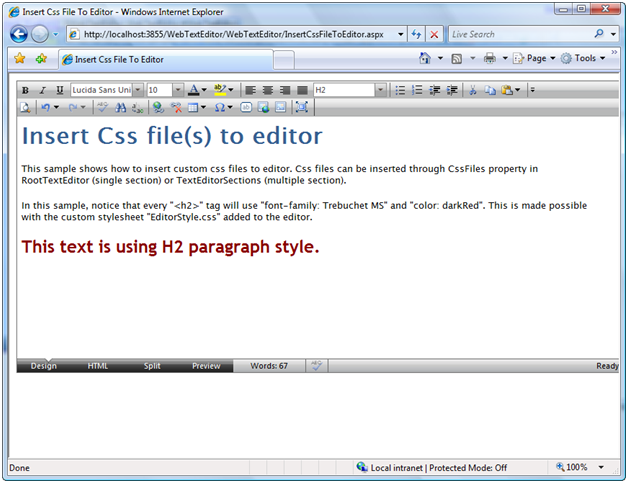
- In this sample, notice that every "<h2>" tag will use "font-family: Trebuchet MS" and "color: darkRed". This is made possible with the custom stylesheet "EditorStyle.css" added to the editor.
 See Also
Other Resources
{Load Custom CSS File}